Can You Tell If Someone Is Watching Through Your Camera?
20% off on product page · save $1.25
Can You Tell If Someone Is Watching Through Your Camera?
Can You Tell If Someone Is Watching?
You may notice clues that a camera is active, such as a camera indicator light, a device notification, or an unfamiliar app requesting camera access, but none of these signs alone proves that someone is watching you. Likewise, an unlit indicator does not guarantee privacy, so we recommend looking at both your device settings and your surroundings rather than relying on a single sign.
Check the product’s listed specifications when evaluating can you tell if someone is watching.
Check Camera Access on Your Device
Open your phone or computer’s privacy settings and review which apps have permission to use the camera and microphone, then remove access from any app that does not need it or that you do not recognize. Close unfamiliar apps, review recently installed software and browser extensions, and use your device’s security tools to scan for malware; if an app seems suspicious, research it before removing it so you do not disable something your device needs.

Featured in this guide
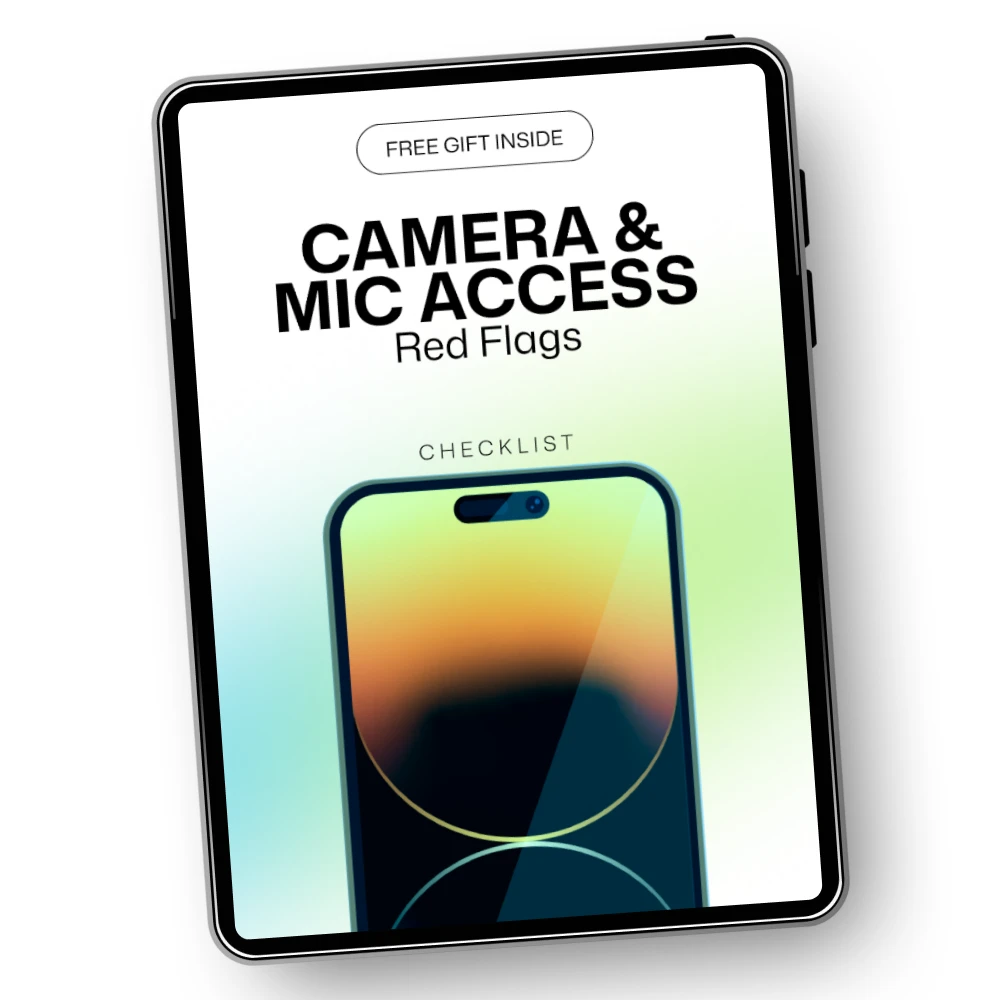
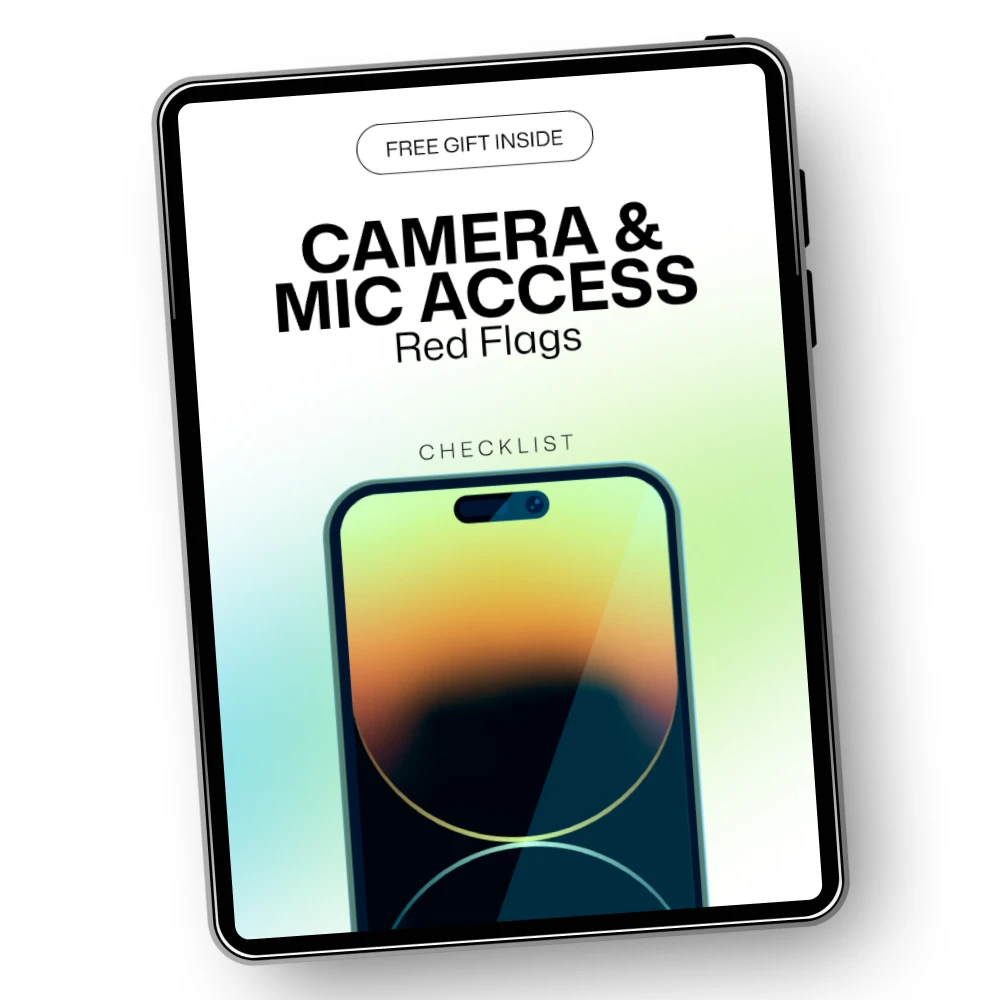
Camera & Mic Access Red Flags – Essential Guide to Protecting Your Privacy
Look for Cameras in Your Surroundings
If you are concerned about a camera in a room, look for unfamiliar devices or small lenses in objects positioned toward private areas, while remembering that ordinary electronics can also have lights, sensors, and openings. Avoid touching or dismantling a suspicious device; instead, document where you found it and contact the property manager, platform, or local authorities as appropriate, especially if it is in a bedroom or bathroom.
Check the product’s listed specifications when evaluating look for cameras in your surroundings.
Take Practical Steps to Protect Your Privacy
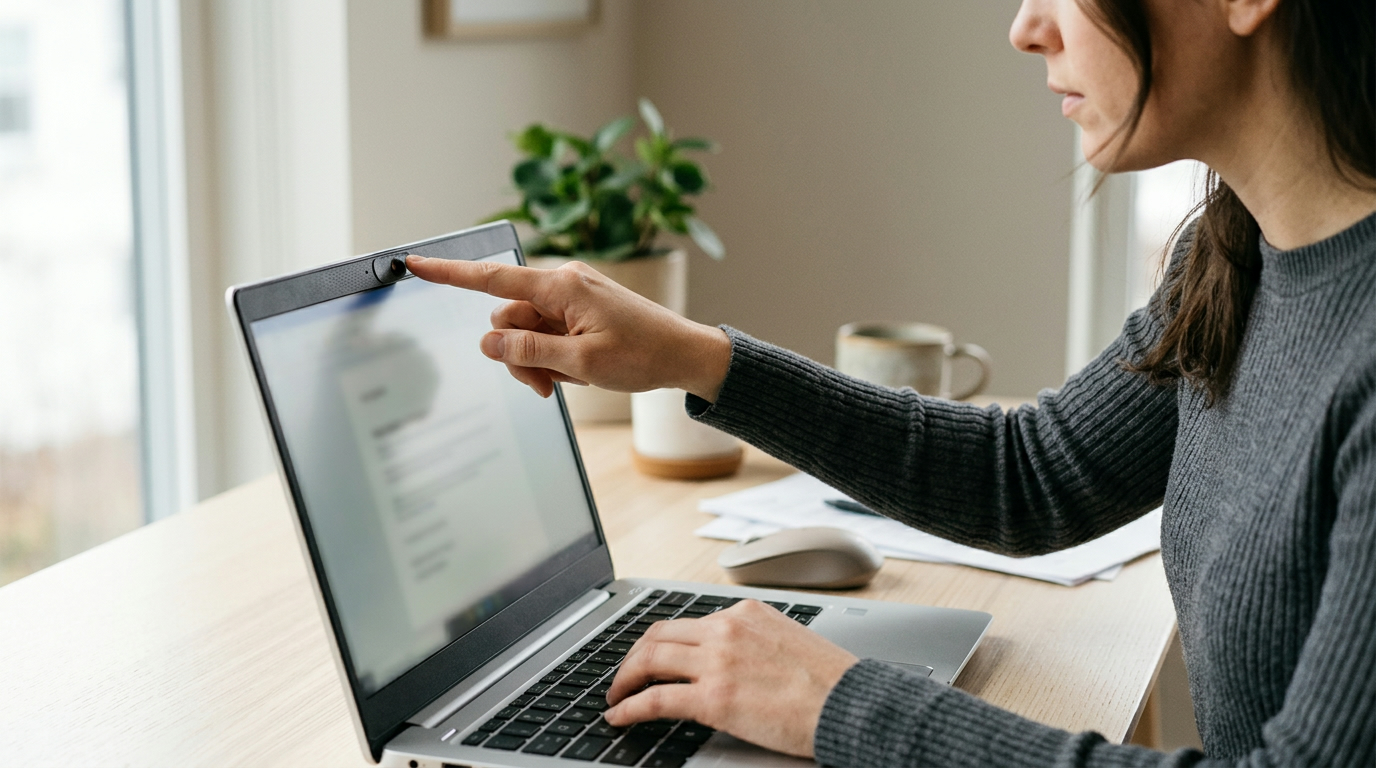
Update your device and apps, use a strong, unique password for your accounts, and enable multifactor authentication where available to make unauthorized access harder. You can also cover a laptop webcam when it is not needed, provided the cover will not damage the screen when closed; for more guidance, our team recommends our Camera & Mic Access Red Flags – Essential Guide to Protecting Your Privacy.
FAQ
How to check if someone’s watching you through your camera?
Review camera permissions and recent access indicators in your device’s privacy settings, and investigate unfamiliar apps or browser extensions. If you suspect someone has access to your account, change your password from a trusted device and enable multifactor authentication.
How do you know if you are being watched by a camera?
A visible camera, an active camera indicator, or a device notification can suggest that a camera is operating, but these signs do not necessarily identify who can see the footage. In an unfamiliar space, inspect the area for unexpected devices and report anything suspicious without disturbing it.
See if Camera & Mic Access Red Flags – Essential Guide to Protecting Your Privacy fits your setup






Leave a comment