How to Turn AI Off on Pinterest: Feed Tips

How to Turn AI Off on Pinterest: Feed Tips
Reduce AI-generated Pins in your feed
When you see a Pin you don’t want, open its menu, usually shown as three dots, and choose an option such as Hide Pin ; if Pinterest asks why, select the reason that best matches your preference. You can also look in your Pinterest settings for a control to see fewer AI-generated Pins, although the name and availability of that option may vary by account, device, or location.
These actions can help shape your recommendations, but they won’t guarantee that every AI-generated image disappears. Because an image may not be labeled as AI-generated, use your judgment before relying on a Pin for accurate product details, instructions, or inspiration.
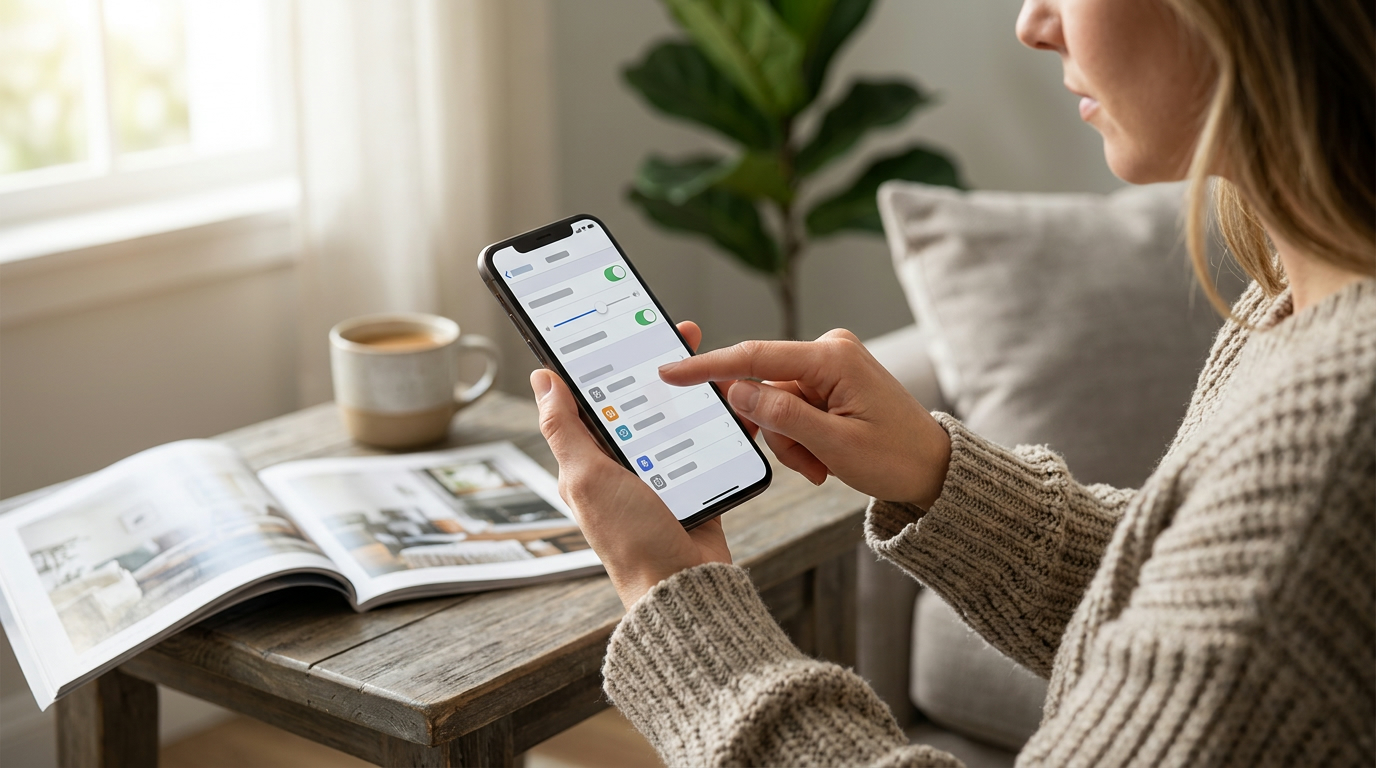
Refresh your home feed
To make Pinterest feel more like it did before, review your home feed settings and adjust the interests, boards, or activity Pinterest uses to recommend content; the exact menu labels may differ between the app and website. You can also unfollow accounts or boards that regularly share content you don’t enjoy, then follow creators and topics that better match what you want to see.
Saving and engaging with Pins you genuinely like gives Pinterest more signals about your preferences. Changes may not happen immediately, so keep hiding unwanted Pins and interacting with useful ones as you browse.
Featured in this guide
AI-Powered Pinterest Pic Checklist – Smart Visual Marketing Guide for Creators | Simple Ways to Make Pinterest Pics With AI for Traffic & Branding
Separate browsing preferences from creating Pins
Reducing AI content in your feed is different from deciding whether to use AI in your own creative work, and you can choose not to use AI tools when making your Pins. If you’re exploring both approaches, our guide to creating AI Pinterest pictures that fit your brand offers a starting point.
Our AI-Powered Pinterest Pic Checklist is a visual marketing guide for creators interested in making Pinterest pictures with AI for traffic and branding. You can use your own preferences to decide whether that subject fits your workflow while keeping your browsing feed focused on the content you prefer.
FAQ
Is there a way to turn off AI stuff on Pinterest?
There isn’t one universal setting that removes all AI features and AI-generated Pins. Check your account settings for an option to see fewer AI-generated Pins, and hide individual Pins you don’t want to see.
See if AI-Powered Pinterest Pic Checklist – Smart Visual Marketing Guide for Creators | Simple Ways to Make Pinterest Pics With AI for Traffic & Branding fits your setup







Leave a comment