Which Mic Is Best for Recording? Choose by Setup
20% off on product page · save $1.25
Which Mic Is Best for Recording? Choose by Setup
The Best Mic Depends on What You’re Recording
For most voice recordings in a quiet room, a USB microphone is a practical starting point because it connects directly to a computer without a separate audio interface. If you record music, several people, or sources at different distances, an XLR microphone and audio interface may give you more flexibility, but they also add equipment to set up and manage.
Check the product’s listed specifications when evaluating the best mic depends on what you’re recording.
Match the Mic to Your Space
A dynamic microphone is often a good fit when your room has noticeable echo or background noise, especially if you can speak close to it. A condenser microphone can capture more detail, but it may also pick up more room sound, so placement and a quieter space matter as much as the microphone itself.
For an interview or a video in which you need to move around, a lavalier mic placed on your clothing can keep your voice at a fairly consistent distance from the capsule. For a camera-mounted setup, a shotgun mic aimed toward the speaker can be useful, though moving it closer to the voice usually matters more than mounting it on a distant camera.
Featured in this guide
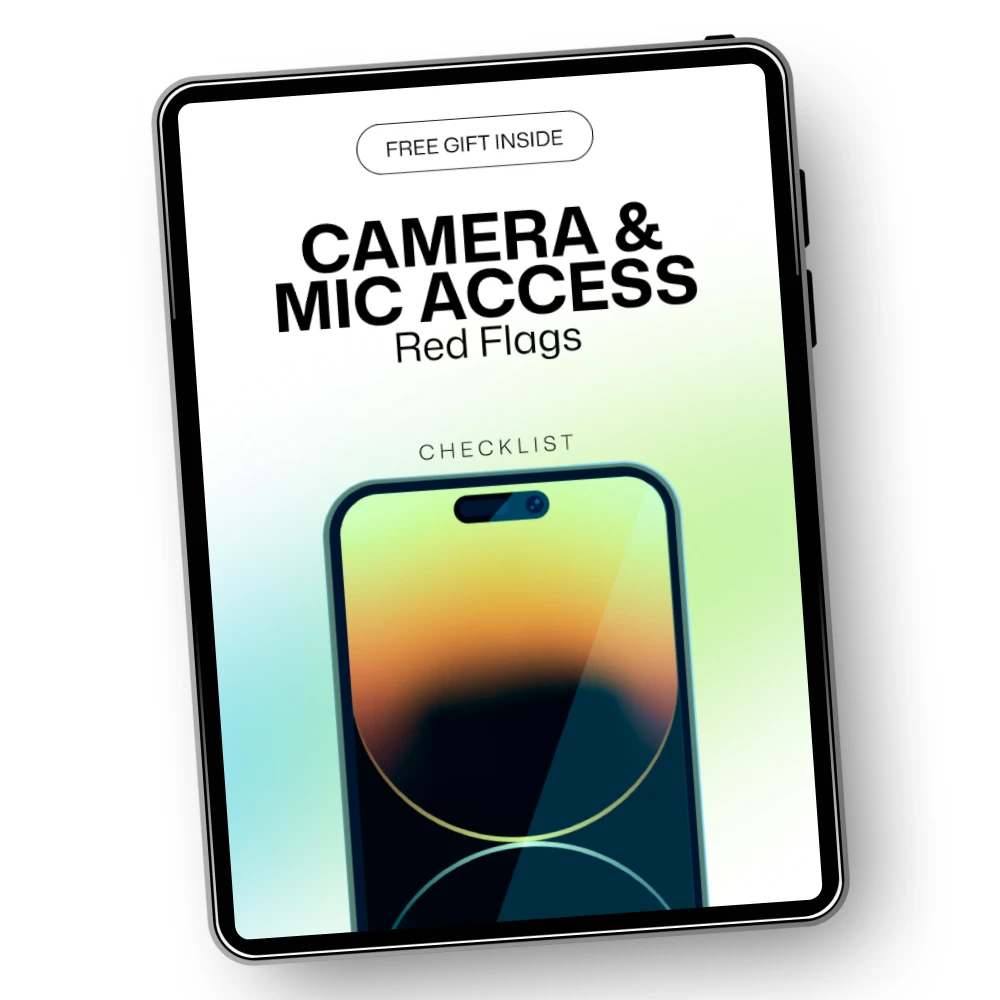
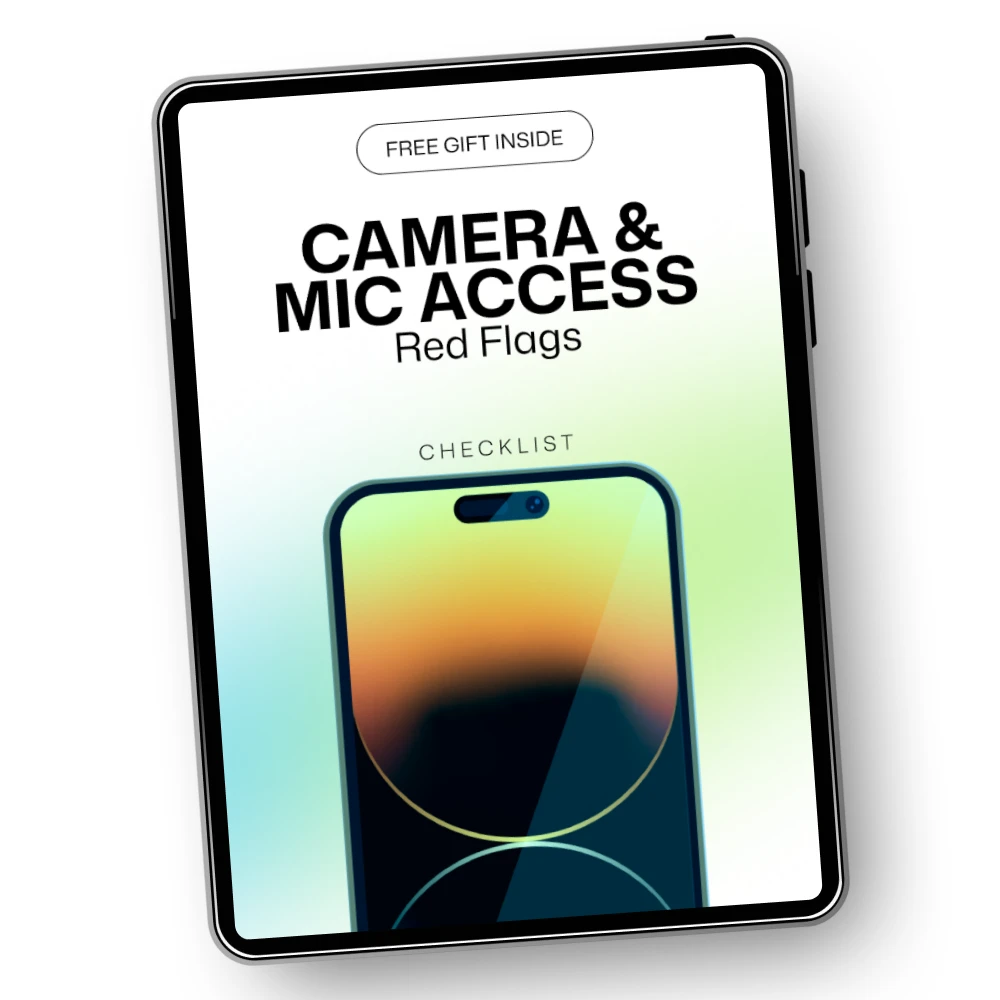
Camera & Mic Access Red Flags – Essential Guide to Protecting Your Privacy
For Voice, Start With Placement
If you’re recording a podcast, voice-over, or video narration at a desk, start with a mic you can position a few inches from your mouth without blocking your work. Speak slightly across the capsule rather than directly into it, and use a pop filter or foam windscreen to reduce bursts of air from “p” and “b” sounds.
Make a short test recording before committing to a full session, then listen for clipping, hum, echo, and clothing noise. Adjust your distance and input level first; a well-placed modest mic can produce a clearer recording than a poorly placed mic with more features.
Keep Recording Access Intentional
The best recording setup also lets you stay aware of when your microphone is active, particularly on a phone or computer you use for other tasks. Our team’s Camera & Mic Access Red Flags – Essential Guide to Protecting Your Privacy covers privacy warning signs to consider alongside your recording gear.
Before you record, select the intended input in your app and confirm that it is receiving sound; afterward, stop the recording and review microphone permissions you no longer need. Store and clean the mic according to its materials and manufacturer guidance, keeping moisture away from connectors and electronics.
FAQ
What type of microphone is best for recording?
For a single speaker at a desk, a USB dynamic mic is a sensible choice if you want a simple setup and your room is not treated for sound. Choose based on what you’re recording and where: a lavalier can suit a moving speaker, while an XLR setup can suit a more involved studio workflow.
Which microphone is best for recording voice?
The best voice mic is one you can place close to your mouth while keeping unwanted room noise low. In an echoey room, try a dynamic mic first; in a quiet, controlled room, a condenser mic may be a good option if you want to capture more vocal detail.
See if Camera & Mic Access Red Flags – Essential Guide to Protecting Your Privacy fits your setup







Leave a comment